

Rumble
Configurable vibration for damage, block breaking, lightning, item use and other game events.
Fabric + NeoForge
Use a controller for gameplay, inventories, chat and modded screens. Get matching button glyphs, configurable binds, rumble, gyro and adaptive triggers.
SDL3 input • Fully remappable • Open source

Controlify uses SDL3 to support gamepads and joysticks across Windows, Linux and macOS. It identifies common controllers and loads the right glyphs and defaults automatically.
Check controller supportControlify makes it easy for other mods to add enhanced support. Sodium settings, JourneyMap, Minimega and other modded experiences can be easily achieved!
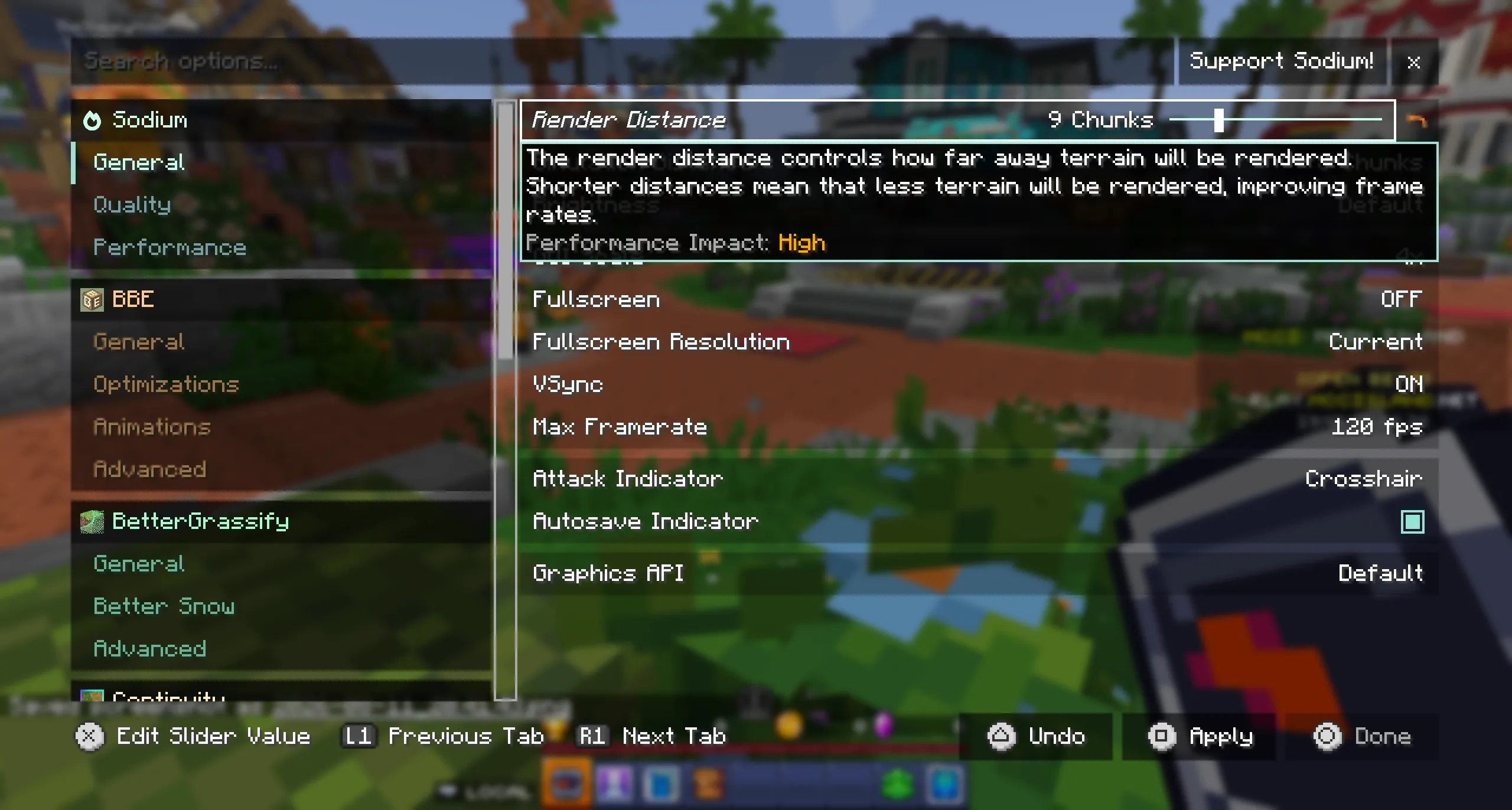
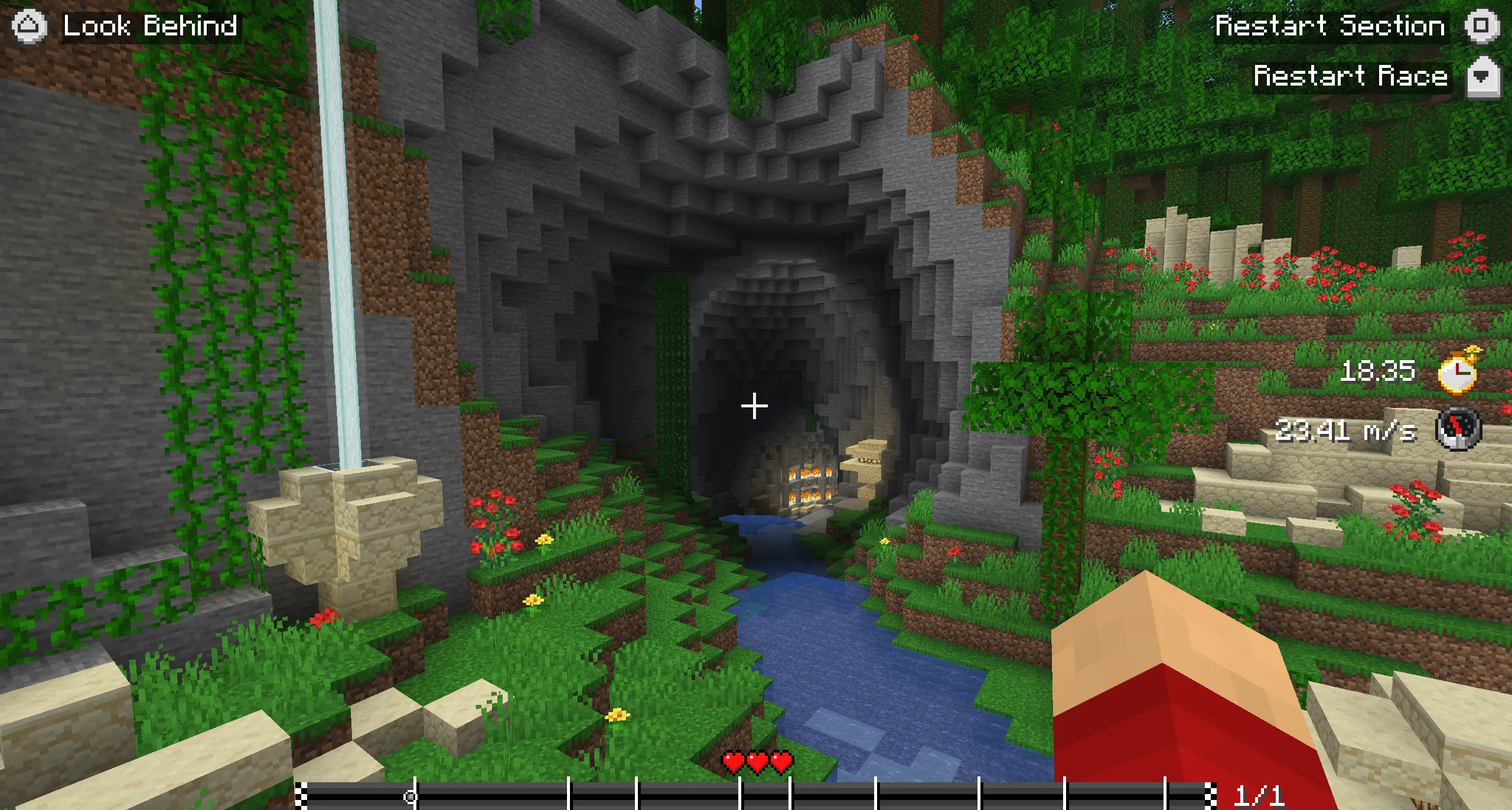
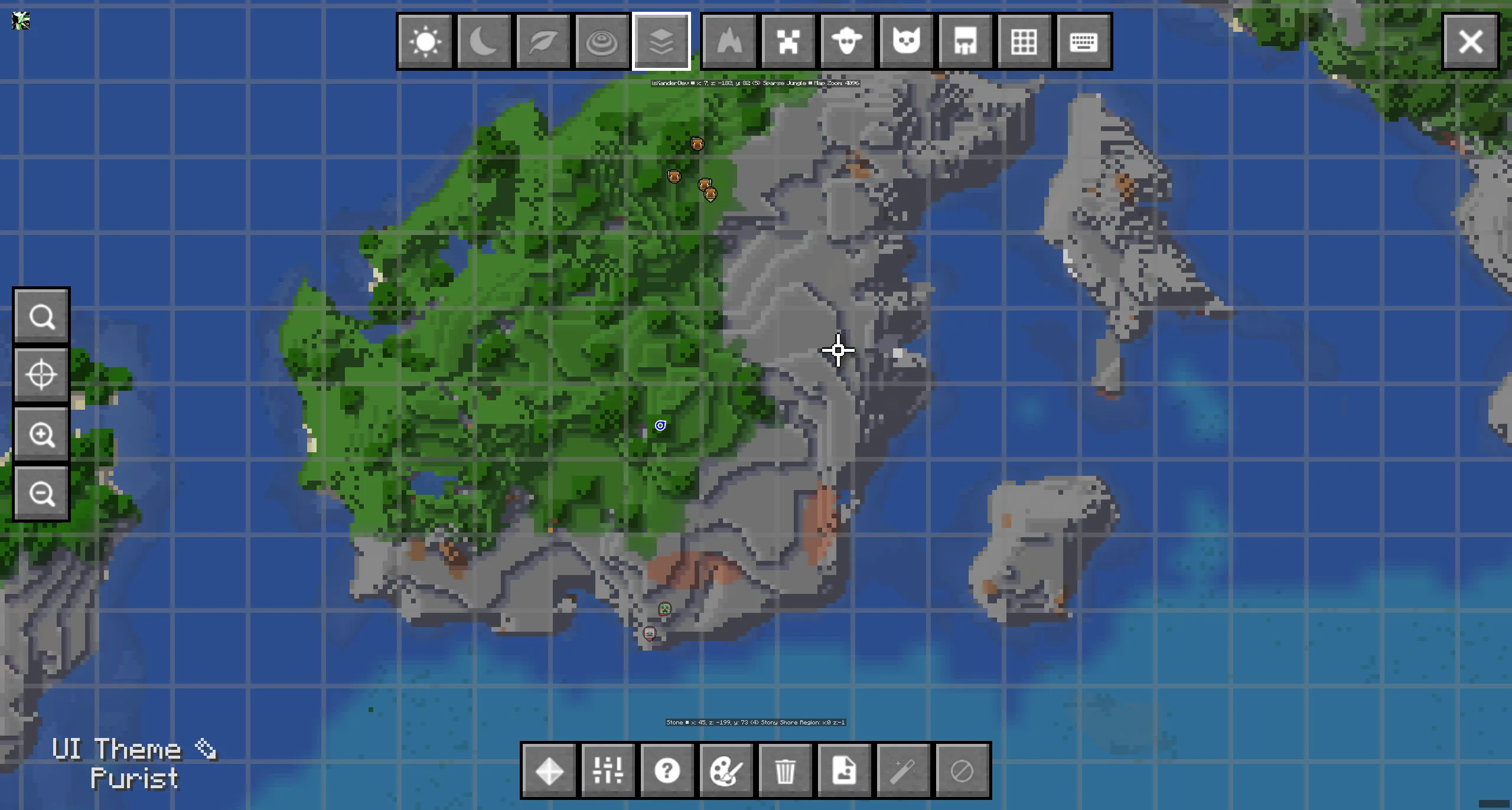
Register bindings and make custom screens handle focus, lists, sliders and virtual mouse input.
Open the developer docs →For resource packsProvide controller identities, glyphs, default binds, guides, keyboard layouts and radial icons.
Open the resource pack docs →These are built into Controlify and can be configured per controller.
Configurable vibration for damage, block breaking, lightning, item use and other game events.
Use motion for precise aim and flick stick for immediate turns on supported controllers.
DualSense trigger resistance changes for bows, crossbows, weapons, food, shields and other items.
Trigger effect docs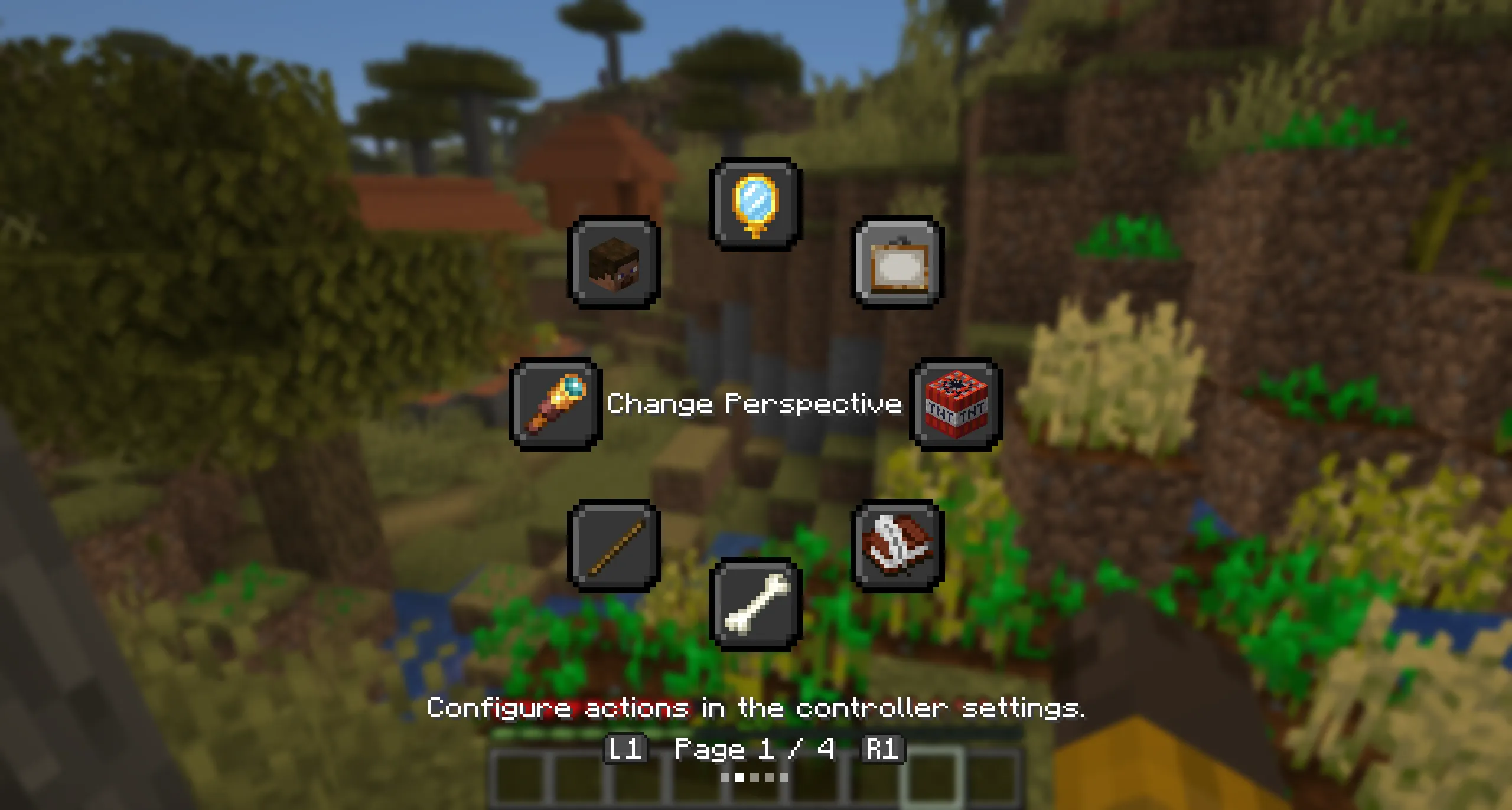
Put occasional actions on a configurable wheel and keep frequently used controls on physical buttons.
Radial menu docs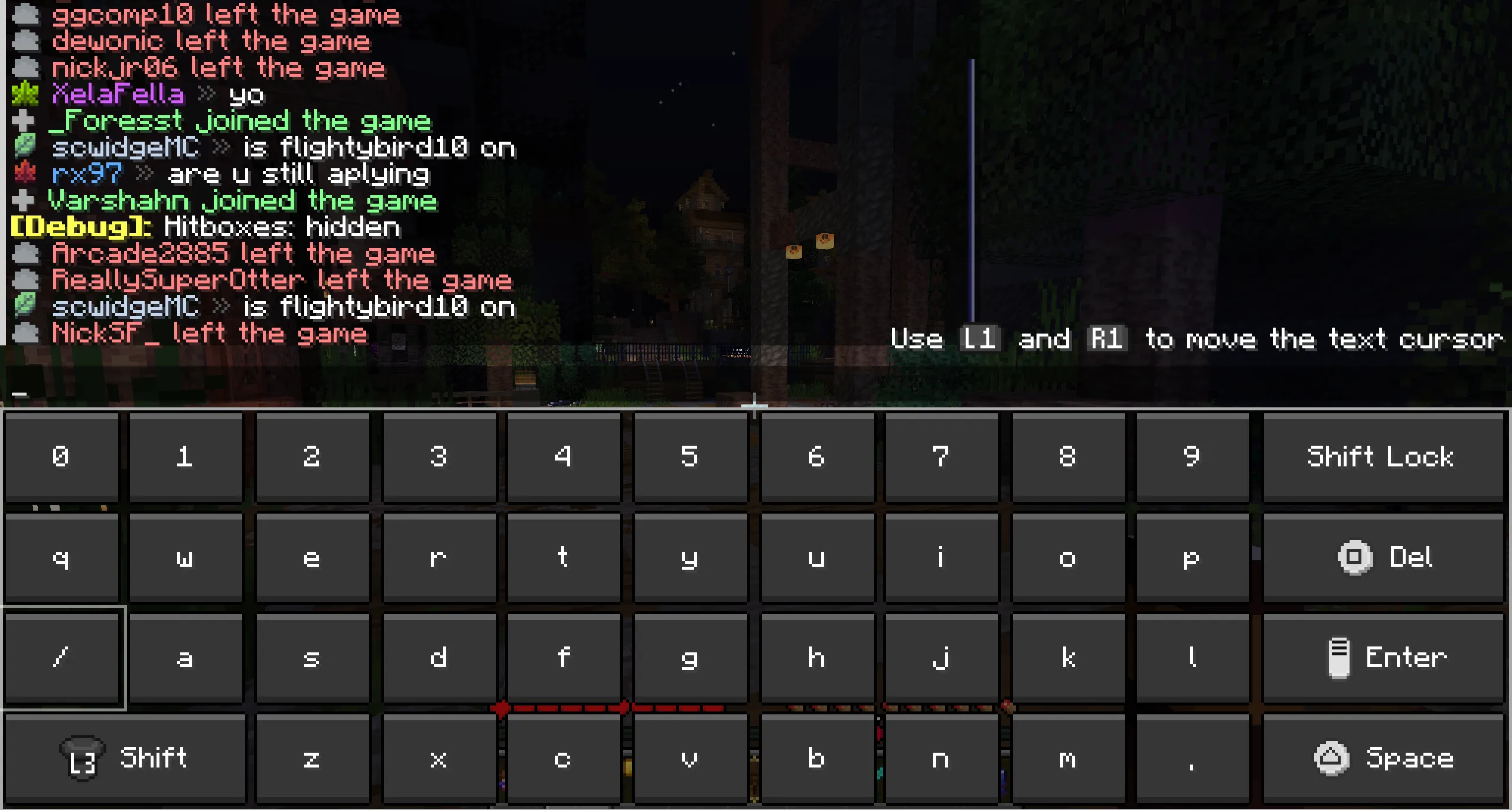
Write chat messages, commands and signs without reaching for a physical keyboard.
Keyboard layout docs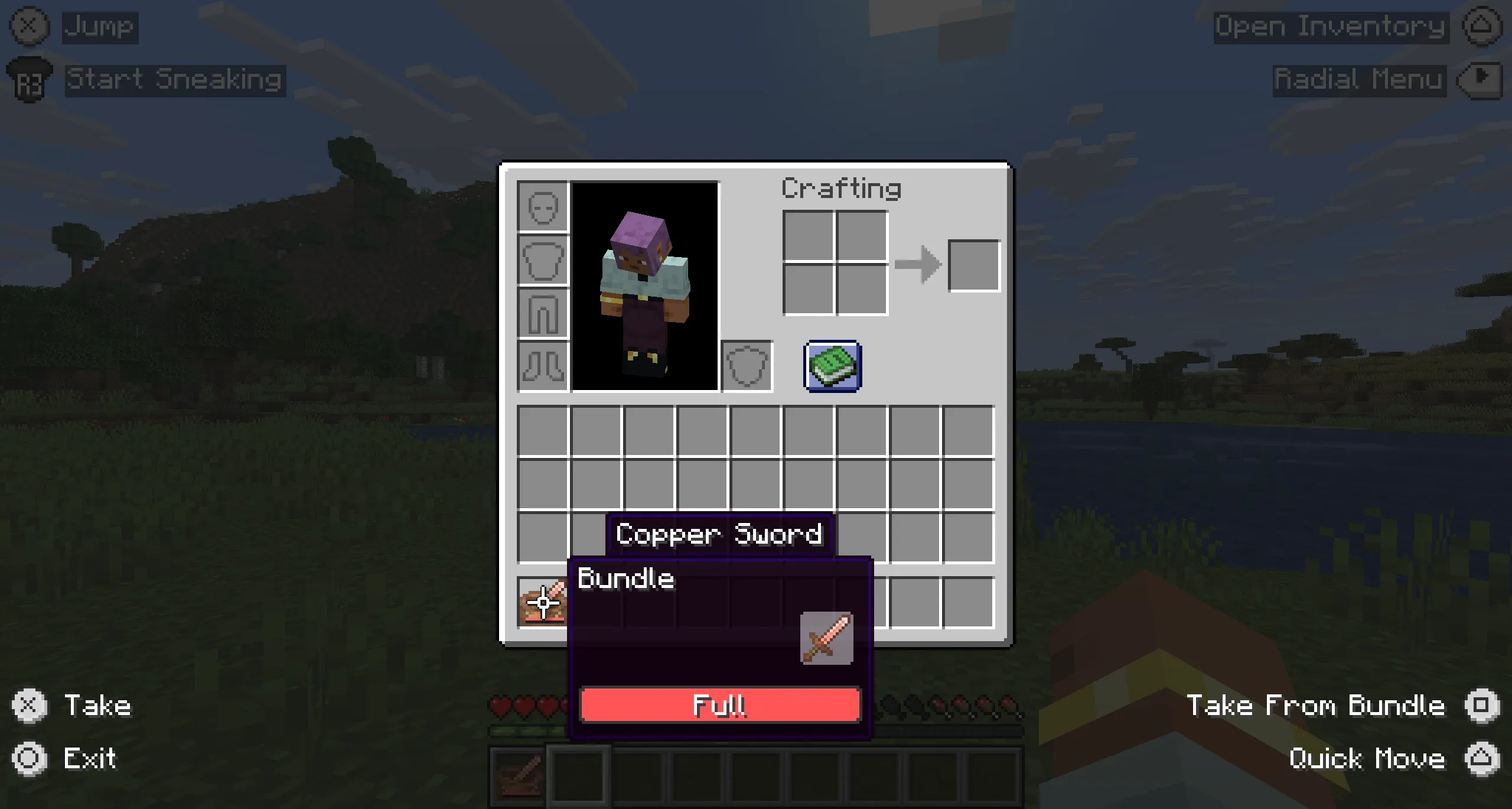
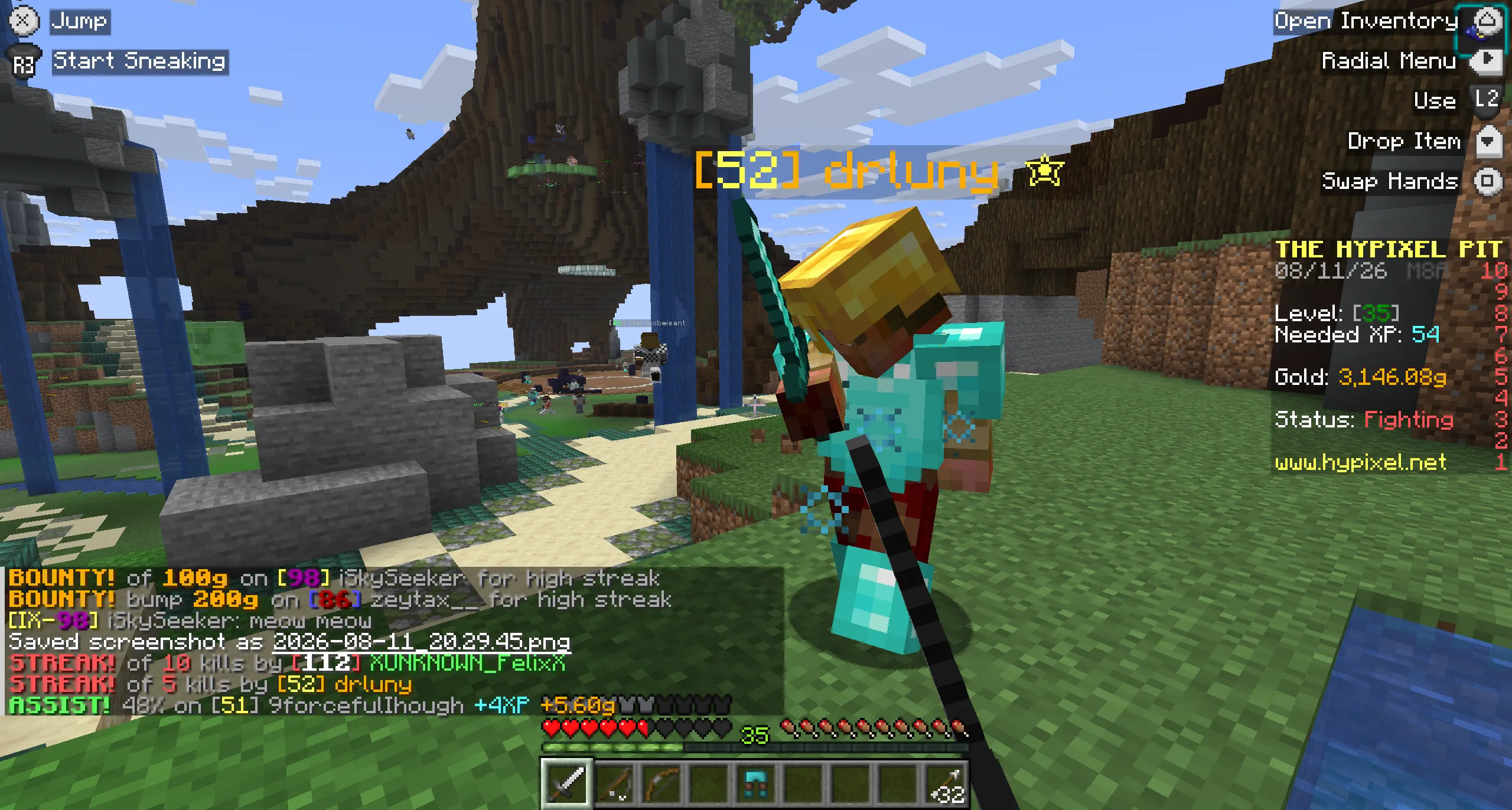
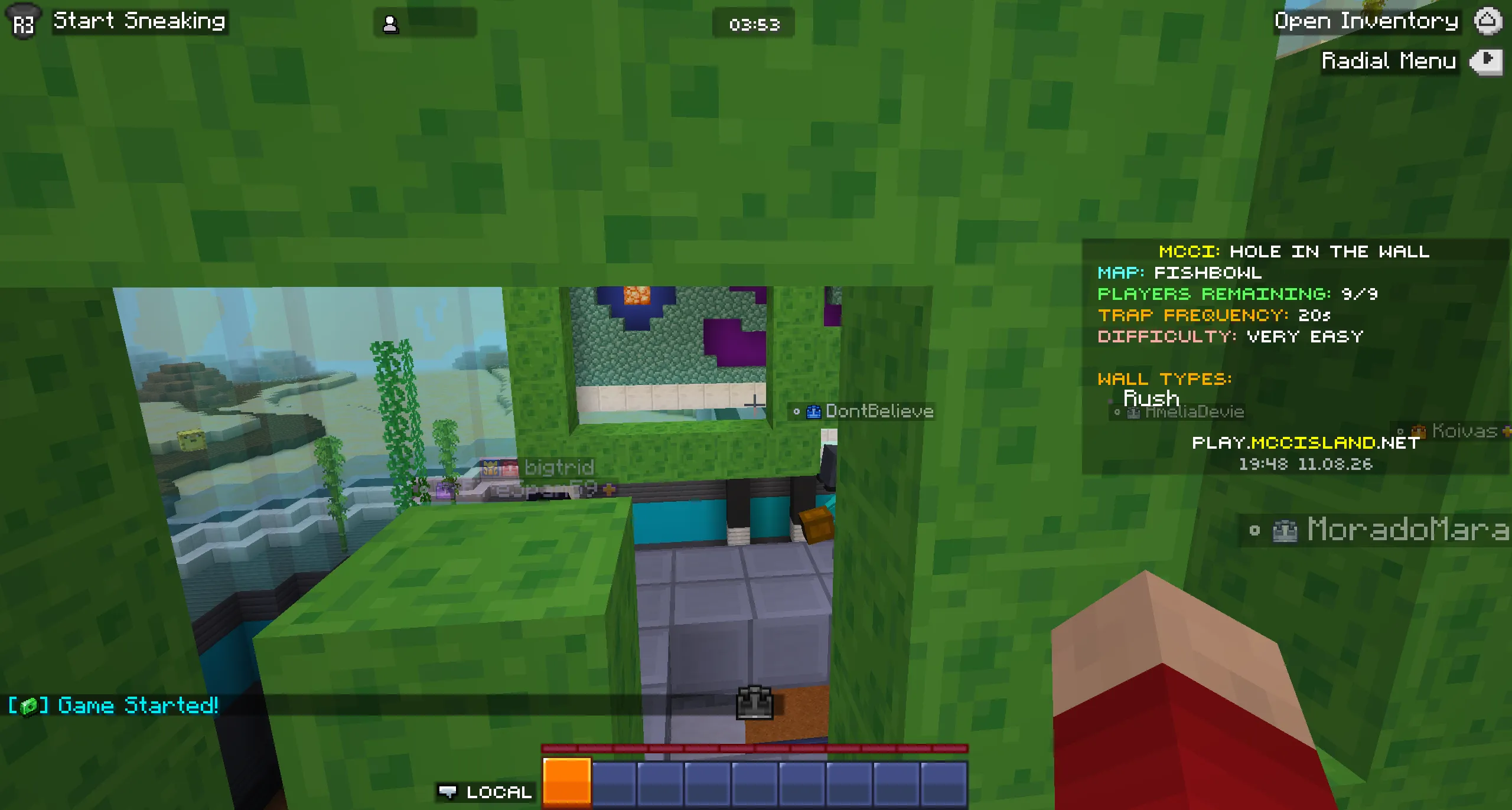
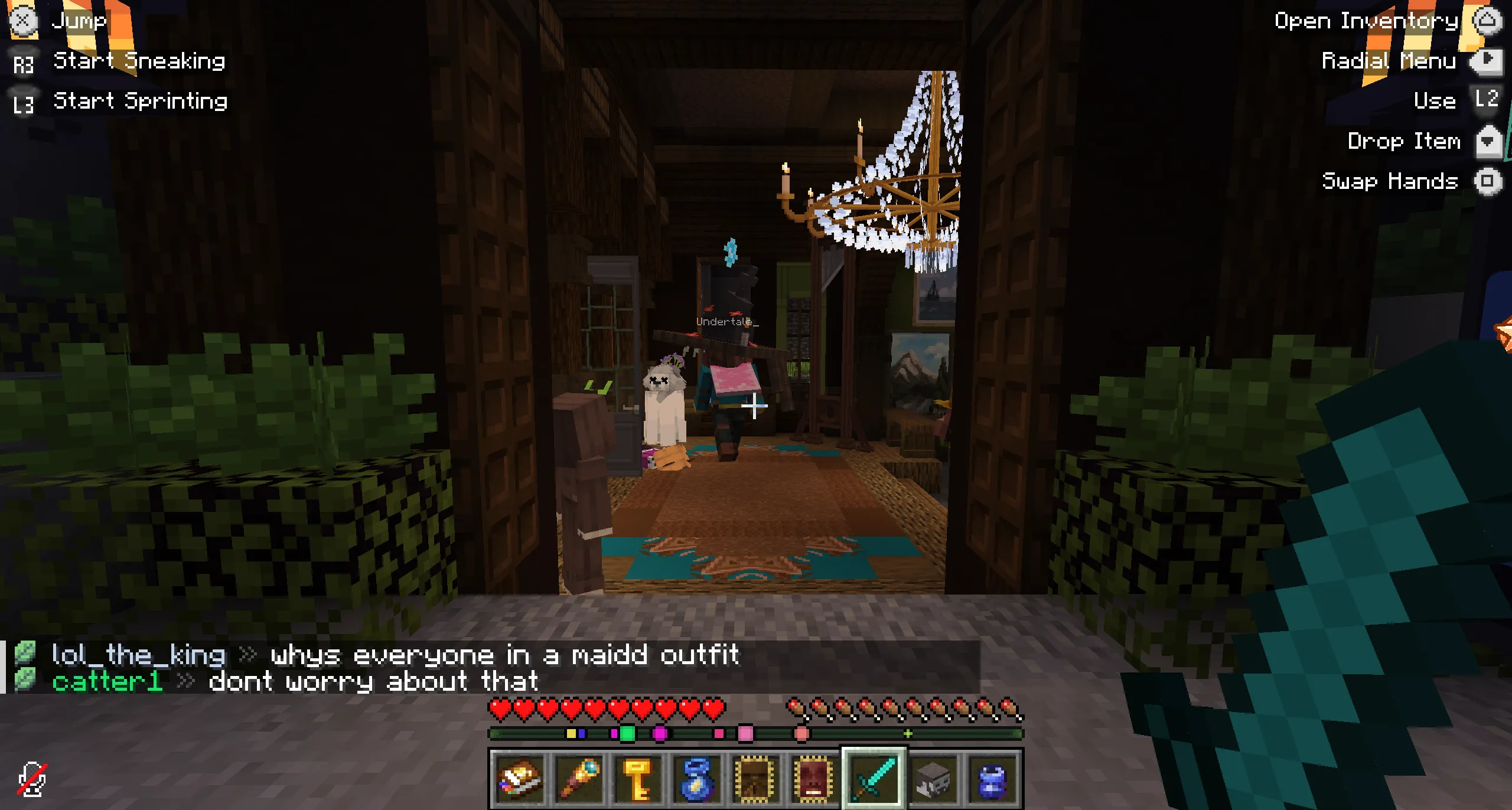
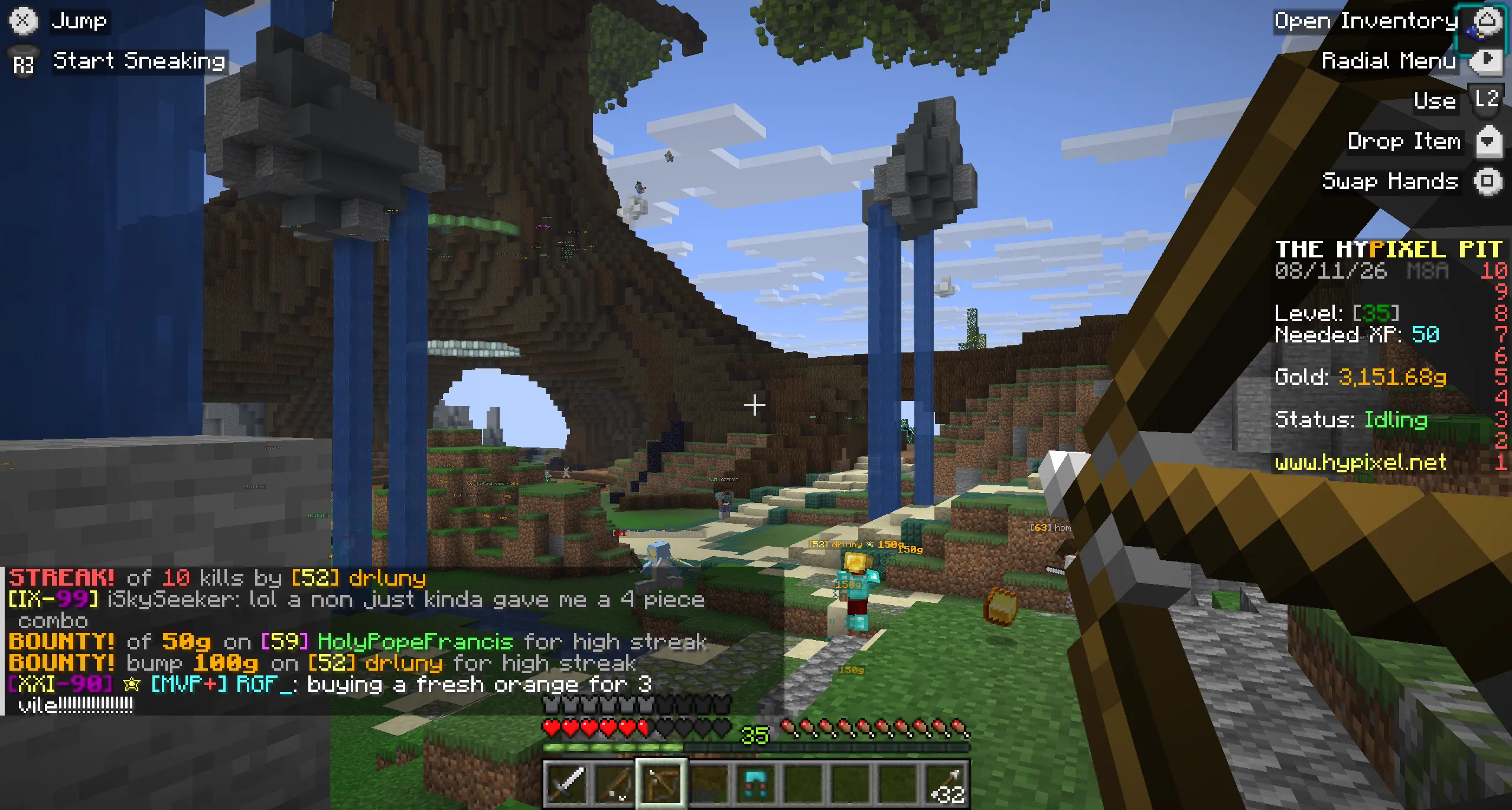
Gameplay and menus show the available actions with glyphs for the connected controller.
Button guide docs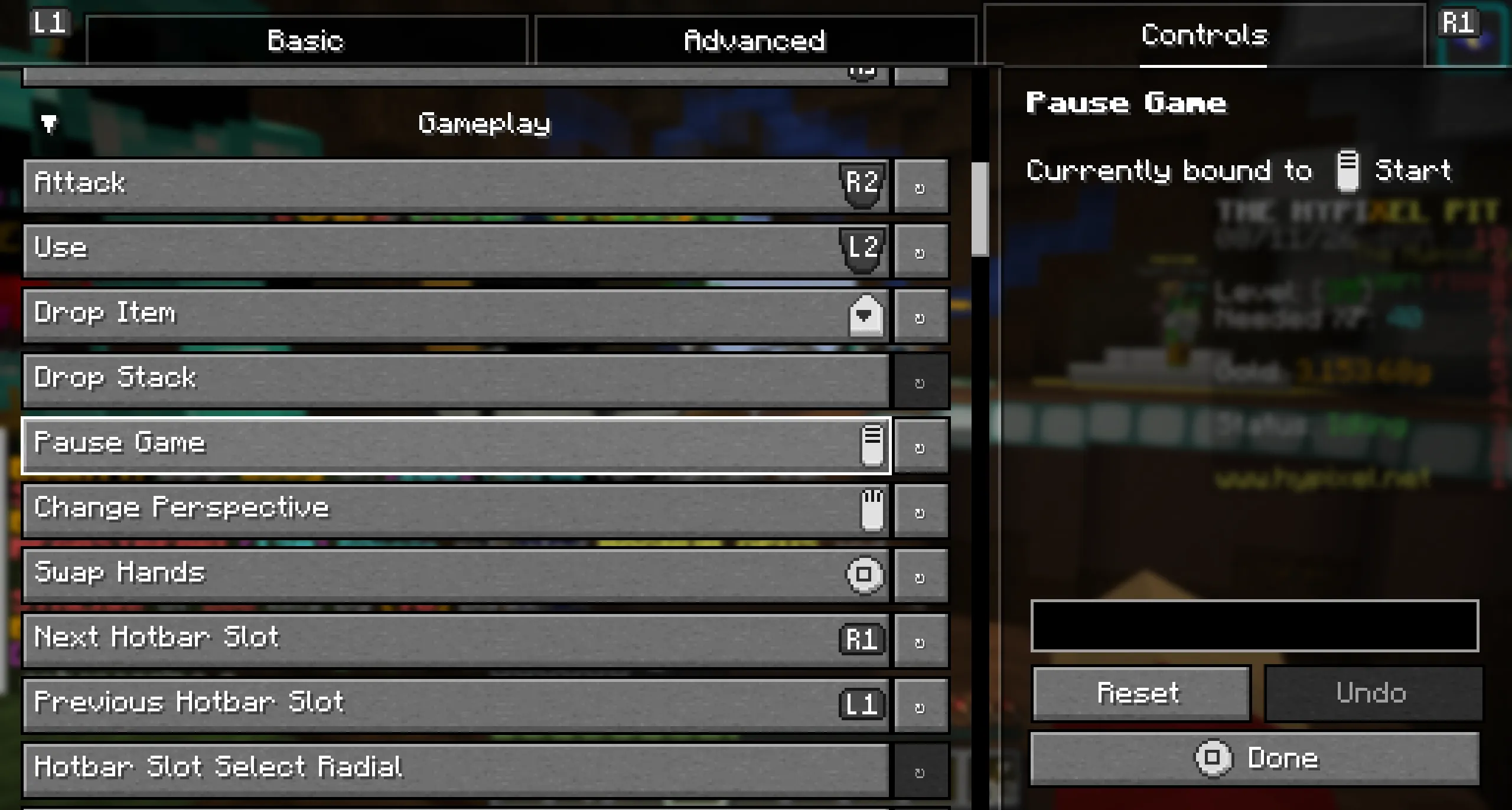
Bind vanilla and modded actions, tune sensitivity and deadzones, and save settings per controller.
Controlify works on normal Minecraft servers. The server does not need Controlify installed.
Stick movement defaults to keyboard-like WASD input on servers because some anti-cheat systems reject analogue movement. Servers can allow full analogue input, and trusted servers can be added to a local whitelist.
Download the mod, connect a controller and open Minecraft.